
Little Monsters
Bring joy to your Padlet profile with fun avatars that are as unique as you.
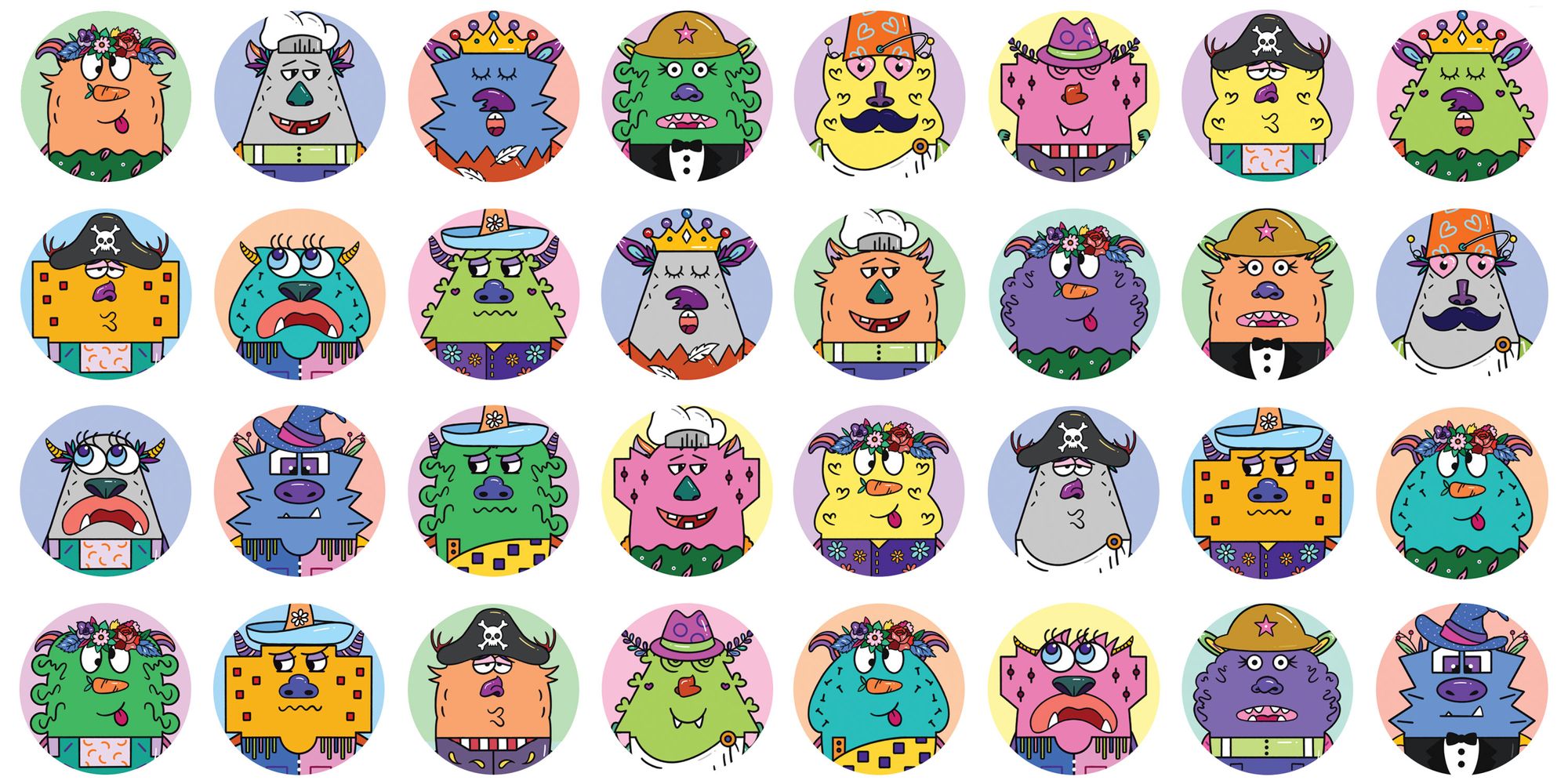
If you're a Twitter user, you've probably seen people with fun, cartoonish avatars —apes, penguins, cats.
At Padlet, we love the idea of fun avatars. In fact, using your real photo on the internet is a fairly recent phenomenon. I remember my days of using MSN and Yahoo messenger: no one used their real photo. It was fun. No matter who we were in real life, online, we could be someone else.
We wanted to bring the same joy to our padleteers. So, meet the Little Monsters. They are very curious, creative, friendly, and absolute fashion gods — much like you all!
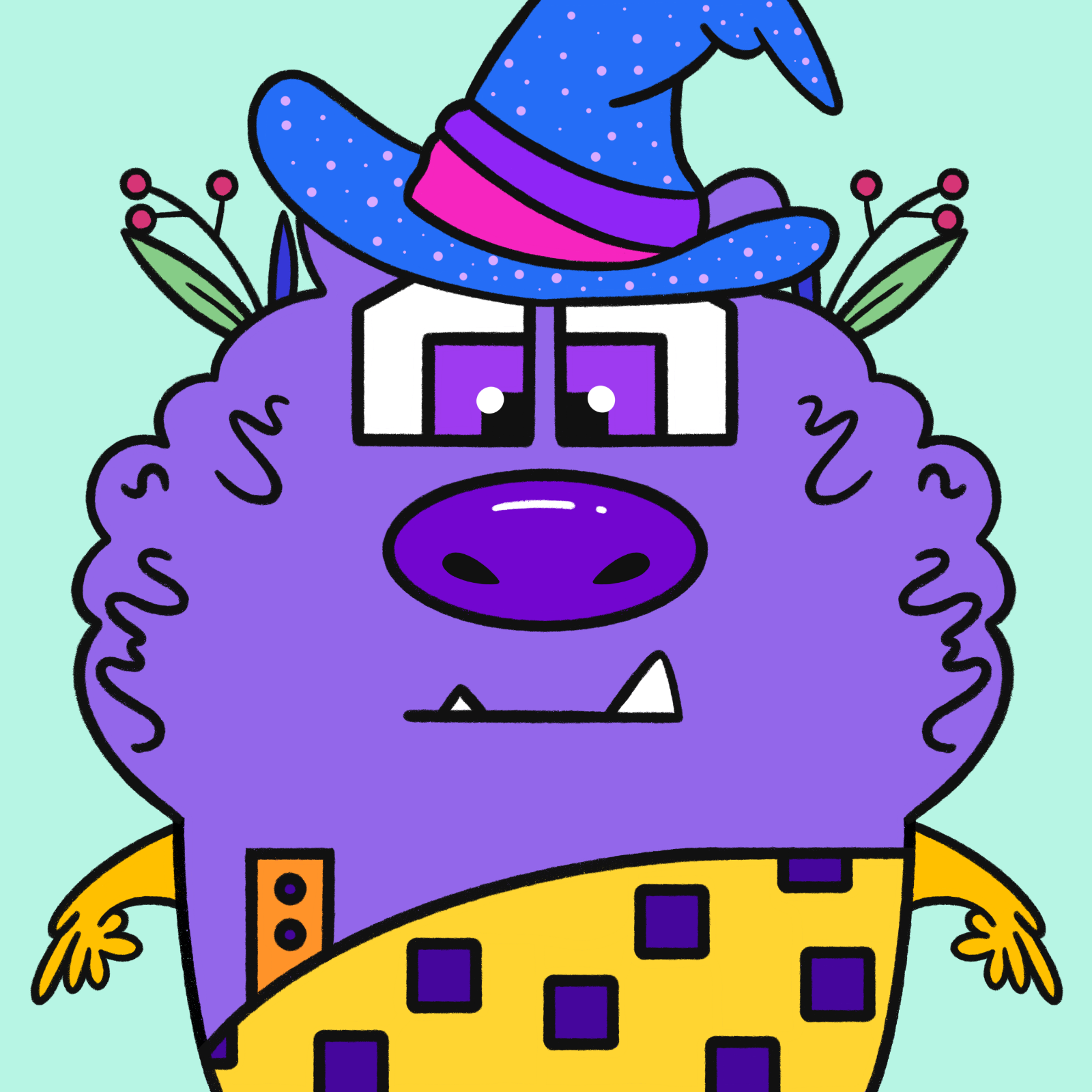
Little Monsters are automatically generated avatars for every registered padleteer. And they are unique to each padleteer – no two are the same. (This was particularly challenging problem given the sheer number of padleteers.) Here is mine:
It is really simple to get them for yourself. You've probably heard of this thing called NFTs that you need to buy to get these avatars on other platforms. Not on Padlet! You don't have to dabble in NFTs etc. We've done everything for you.
If you sign up for Padlet now, a Little Monster will automatically be assigned as your avatar. If you're already registered, you can go to the following page to claim you monster and set it as your avatar: https://padlet.com/little-monsters. This is reversible, of course. You can switch between your own avatar and your Little Monster avatar any time you want.
We focus a lot on how you feel when you use Padlet. I believe that by using these Little Monsters as our avatars, we can bring a lot of joy to collaboration in our offices, classrooms, and homes. We hope you enjoy them.