
September changes
Updates to Padlet in September 2021.

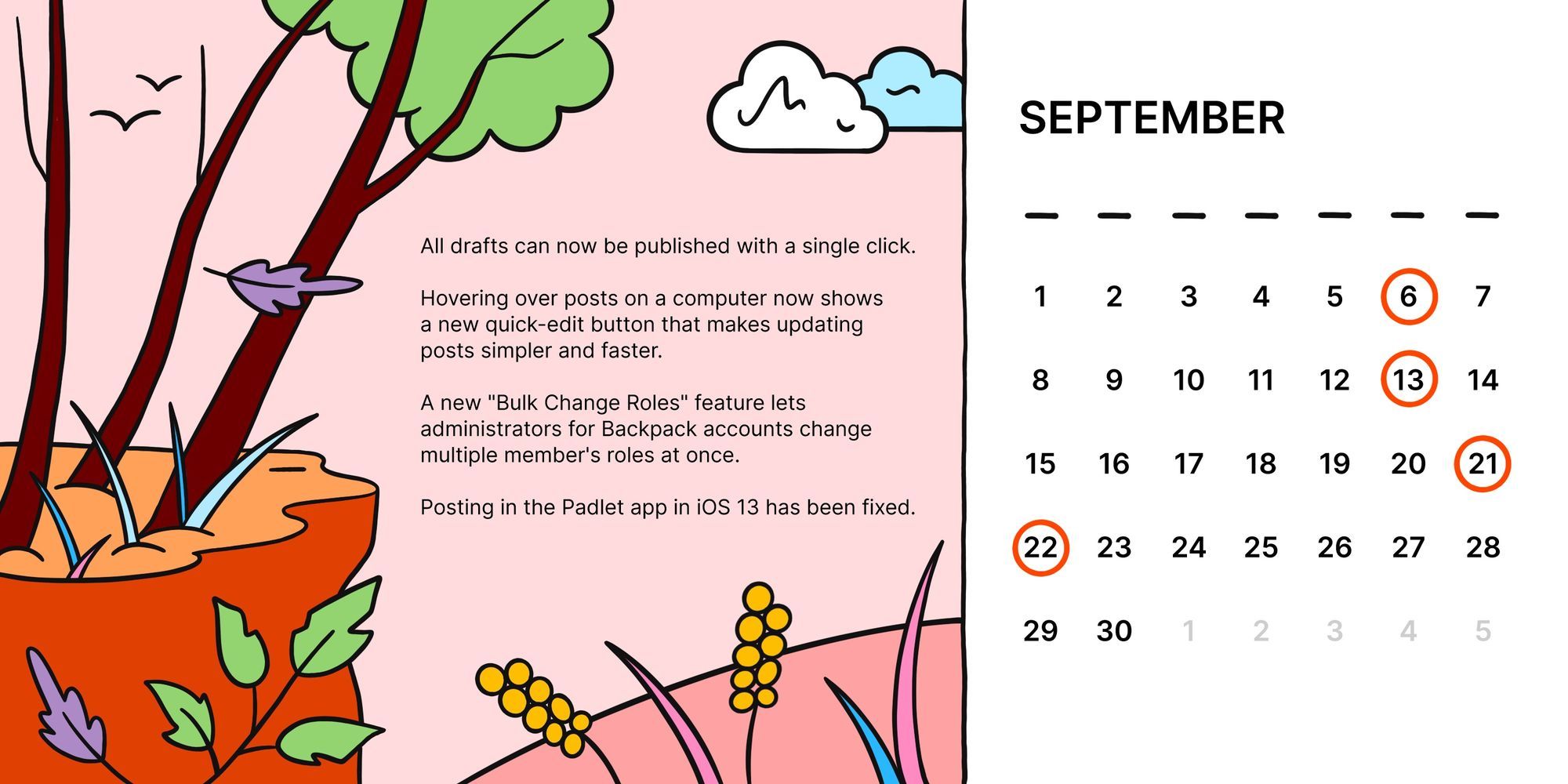
September has been a busy month for us at Padlet. We've released a lot of new features, made improvements across the board, and fixed some lingering bugs.
New
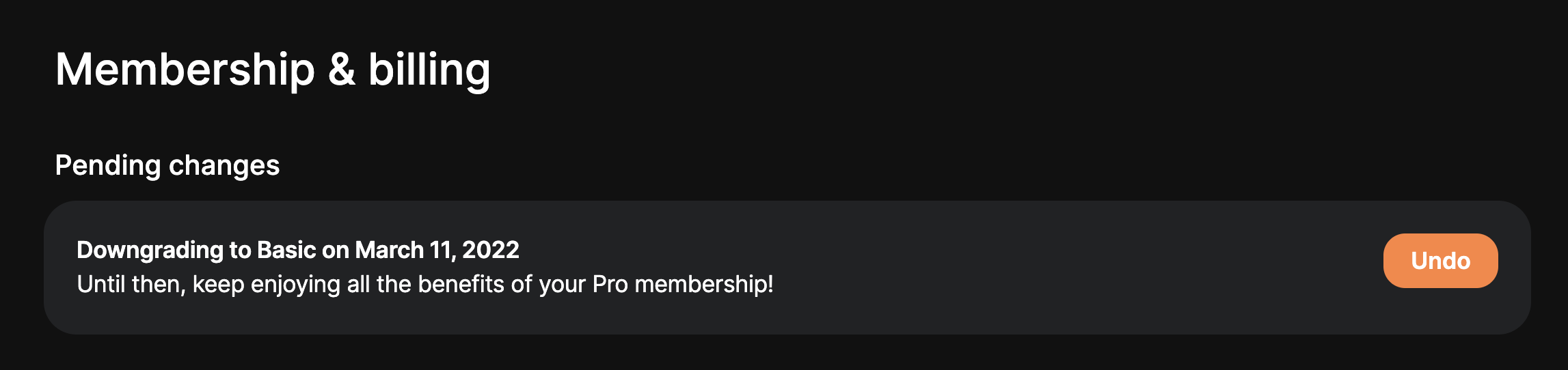
- Scheduled changes to your membership can now be easily undone in the Settings > Billing page.
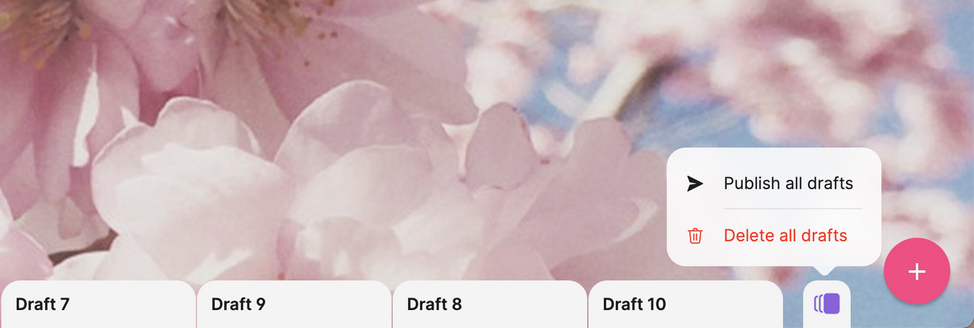
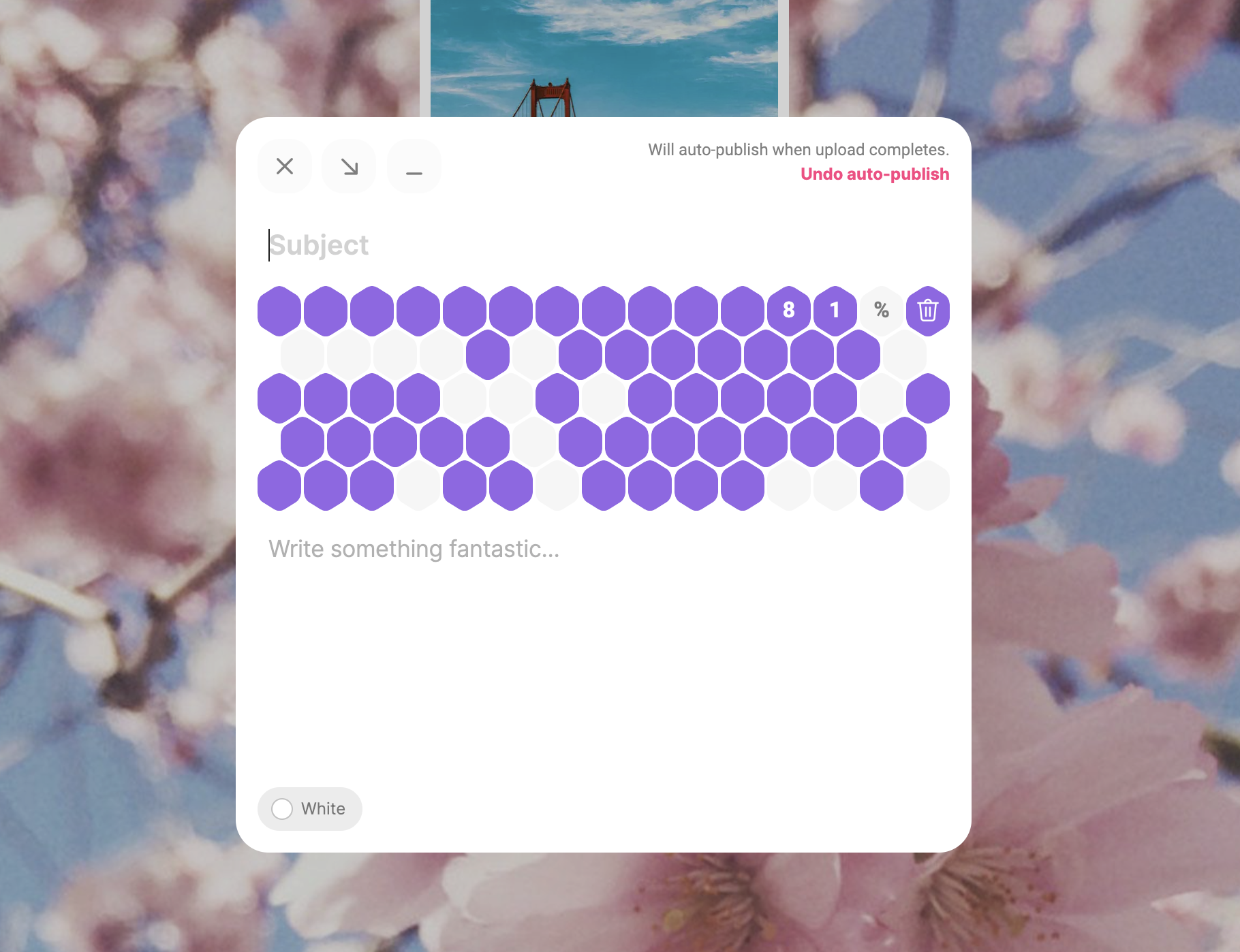
- All drafts can now be published with a single click. This is great for users who like to drag-and-drop a lot of files or want to get everything in order before publishing all at once.
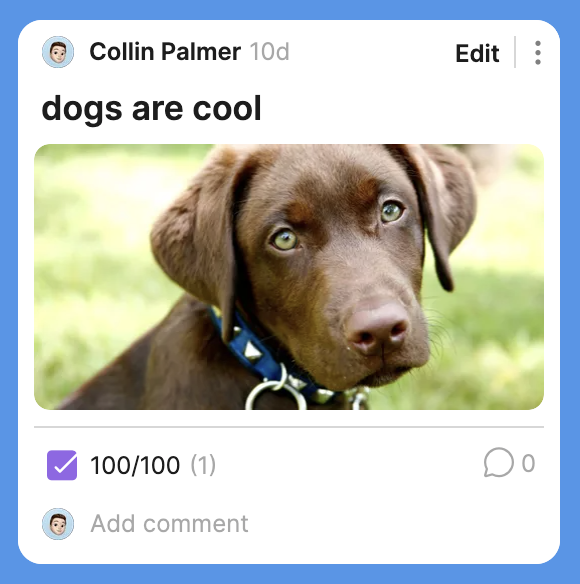
- Hovering over posts on a computer now shows a new quick-edit button that makes updating posts simpler and faster.
- If a post is published before the attachment is done uploading, the new auto-publish feature will take care of adding the post the moment the attachment is uploaded
- In addition to a whole new design, posting in the mobile app now includes the ability to edit captions.

- A new "Bulk Change Roles" feature lets administrators for Backpack accounts change multiple member's roles at once.
Improvements
- Our mobile apps got updated with a bunch of under the hood improvements which means better performance, less bugs, and faster releases of new features in the future.
- When you exceed your padlet or file size limit, a new page will show you more information about your account and how to upgrade to continue creating beautiful things.
- TikTok and WeVideo attachment previews have been improved.
- It's now more clear when a post will require approval from an administrator before being shown to everyone on a padlet.
- The design of posts awaiting approval has been updated so the status of a post is more clear to everyone who can see it.
- The menu for posts has been updated to a new design and now supports dark mode.
- A new design for adding and editing comments on mobile devices makes it easier to see what you're typing and save changes when you're ready to share.
- Editing comments on your desktop have also been updated to make it more clear which comment is being changed.
- The scrollbars in Shelf padlets have been updated to make it easier to navigate longer columns of posts
Fixes
- Posting in the Padlet app in iOS 13 has been fixed.
- Issues with playing uploaded videos have been fixed.
- Exporting padlets as images works more reliably now.
- Pasting text from a Microsoft Word document now works as expected.