
Translate boards into your language
Collaborate across 47 languages in real-time. Even Shakespearean English, if thou preferest.

Years ago, we heard about a school in Sweden collaborating with a school in Korea (South, obviously). The teachers thought it would be valuable for students to see what kids from the other side of the world think and talk about. They were using Padlet to bridge that gap, even though the students didn't share a language.
That image stuck with us. Two classrooms, 8,000 kilometers apart, different alphabets, different cultures, sharing ideas on the same board.
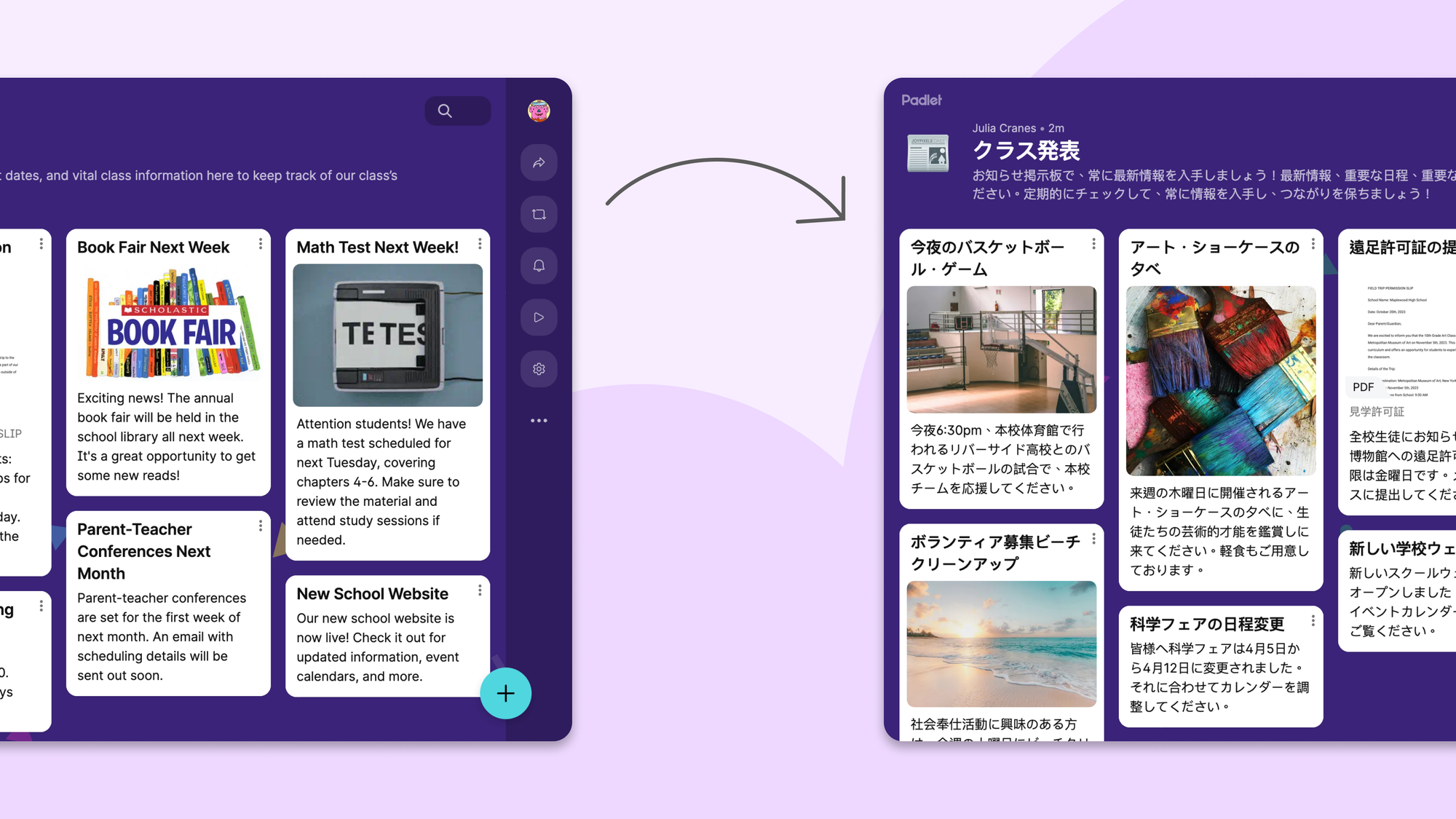
Today, we're making that a lot easier. You can now translate any Padlet board—posts, titles, descriptions, comments, all of it—into 47 different languages.
How does it work?
If your Padlet account language is different from the language of the board you're viewing, you'll see a prompt asking if you'd like to translate. One click, and the whole board appears in your language.
If you don't see the prompt (maybe you're multilingual and we guessed wrong), you can find the translate option tucked away in the more menu. We deliberately kept it subtle. Padlets are beautiful, and we didn't want to clutter them with buttons you might not need.
You can also translate into any of our 47 supported languages, not just your account language. And you can always toggle back to see the original.
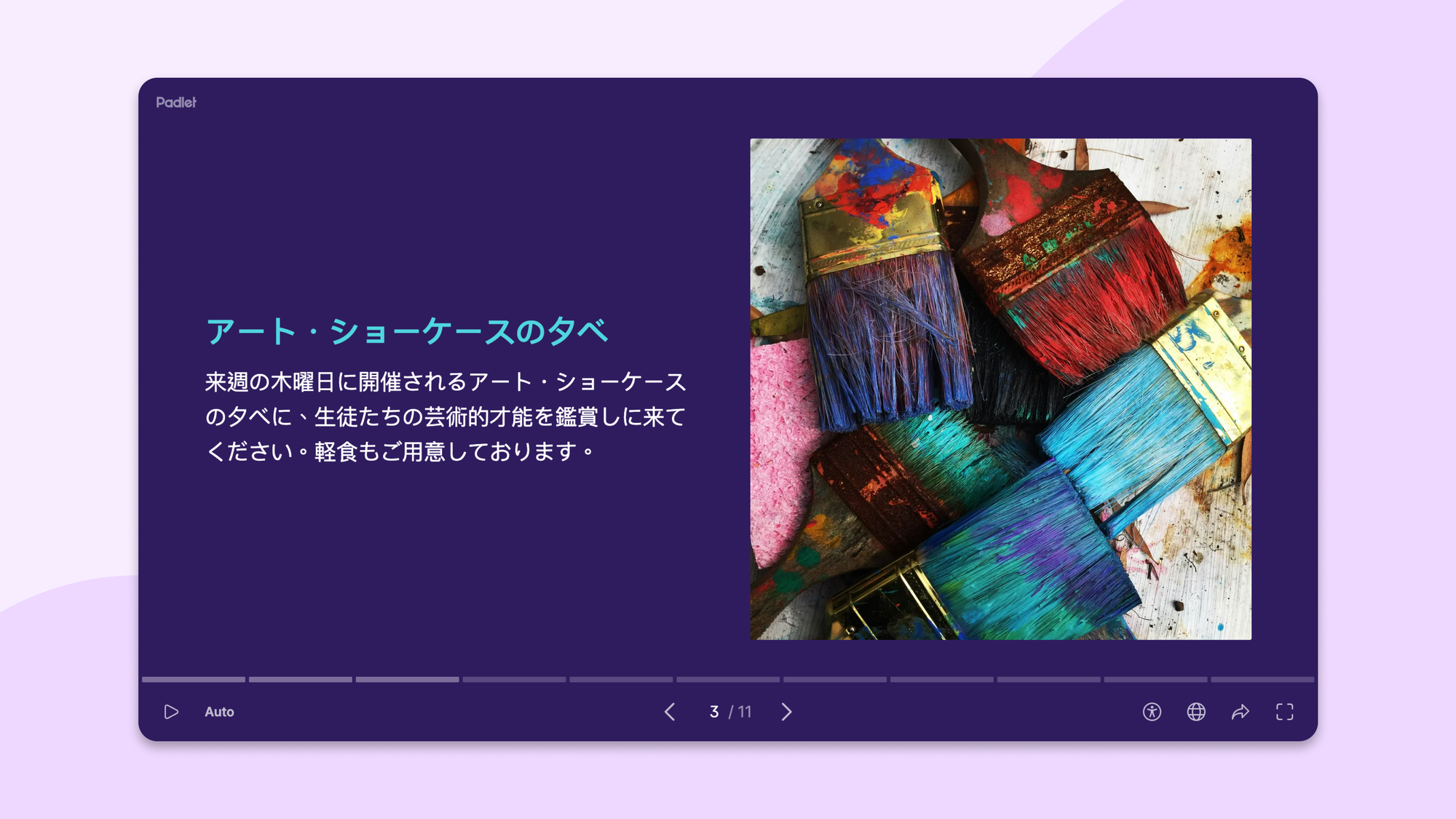
This isn’t just a static snapshot. You can still post, comment, rearrange posts, convert to a slideshow, or even remake the board. The translated board is live and interactive.
What if a board has posts in multiple languages?
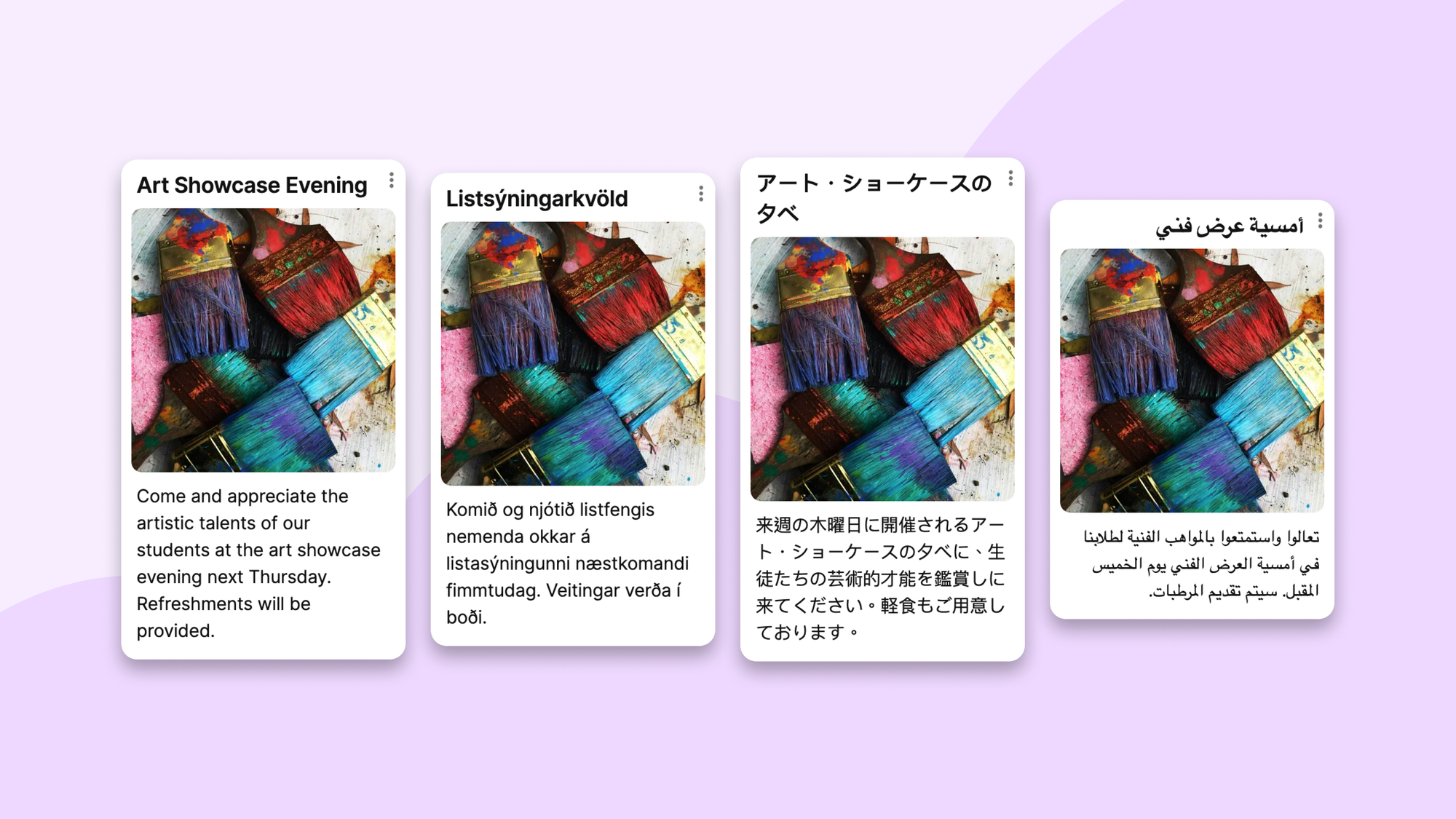
We detect the language of each individual post. If you're viewing in Spanish and the board has posts in English, German, and Japanese, only those posts get translated. Any posts already in Spanish stay as they are. We're not going to Spanish your Spanish.
Does it work while people are actively collaborating?
Yes. This was the hard part.
Imagine an English padlet being viewed simultaneously by someone in Germany (seeing it in German), someone in Brazil (seeing it in Portuguese), and someone in Japan (seeing it in Japanese). All three are actively adding posts and comments. Every new piece of content gets translated into three languages in parallel and pushed to the right person in real time.
The Swedish student posts something. The Korean student sees it in Korean a second later. Then responds. In Korean. Which the Swedish student reads in Swedish.
How good are the translations?
Good enough that we're comfortable shipping this without human review. AI translation has gotten genuinely impressive.
That said, it has a known weakness: short text. The English word "play" could mean playing a video or playing a sport. If someone's entire comment is just "play," the model has to guess. Context helps, and very short posts don't have much of it.
We also occasionally get language detection wrong. In testing, we'd sometimes see an English board display a prompt asking if we wanted to translate it to English. These edge cases are something we're continuing to improve.
How fast is it?
This project reminded us that infrastructure decisions are also product decisions. The nerds on our infra team were very happy with this project.
We translated this padlet with 50 posts on a wifi network with 10 Mbps upload and download. It took under 15 seconds. When we added a new post in English, it translated instantaneously.
Faster than you would think, slower than we want. We're working on it.
What about attachments?
YouTube videos will show subtitles in your translated language if they're available. Uploaded videos and audio recordings retain their original audio and subtitles for now. We're working on adding translated subtitles to those too. (We won't overdub anyone's voice, though. That would be unsettling.)
Documents and images don't get translated either. A PDF is a PDF. An image of text is still an image of text.
Does it support right-to-left languages?
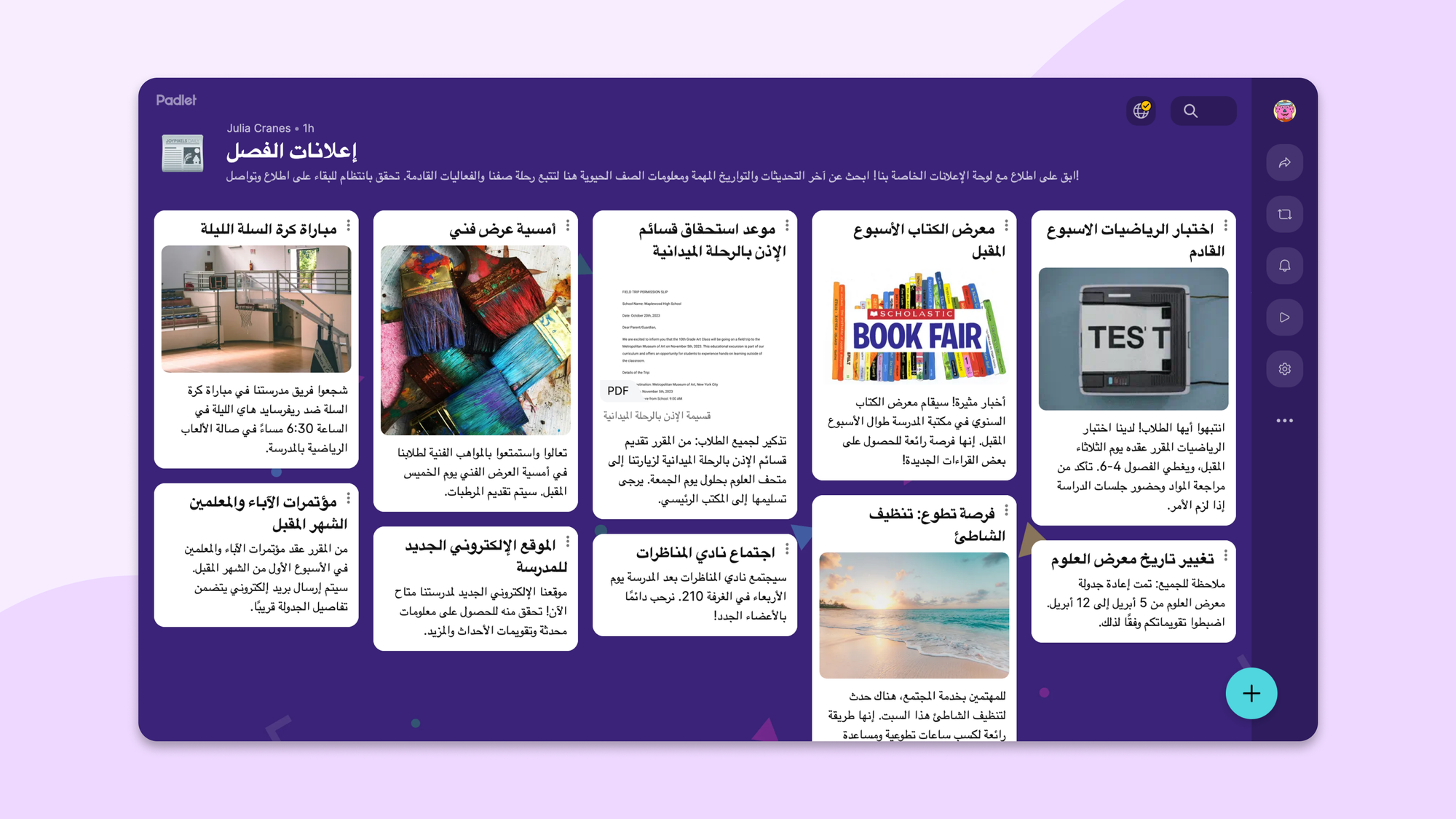
Yes. Translate to Arabic, Farsi, Hebrew, and Urdu.
One more thing
If you translate a padlet and then click a link to another padlet, that one will be translated too. We remember your preference for the session so you don't have to keep clicking.
Now go build your tower of Babel. Just don't aim for the heavens.