
Turn any board into a podcast
Export audio and video posts as a podcast you can subscribe to in Apple Podcasts or Spotify.

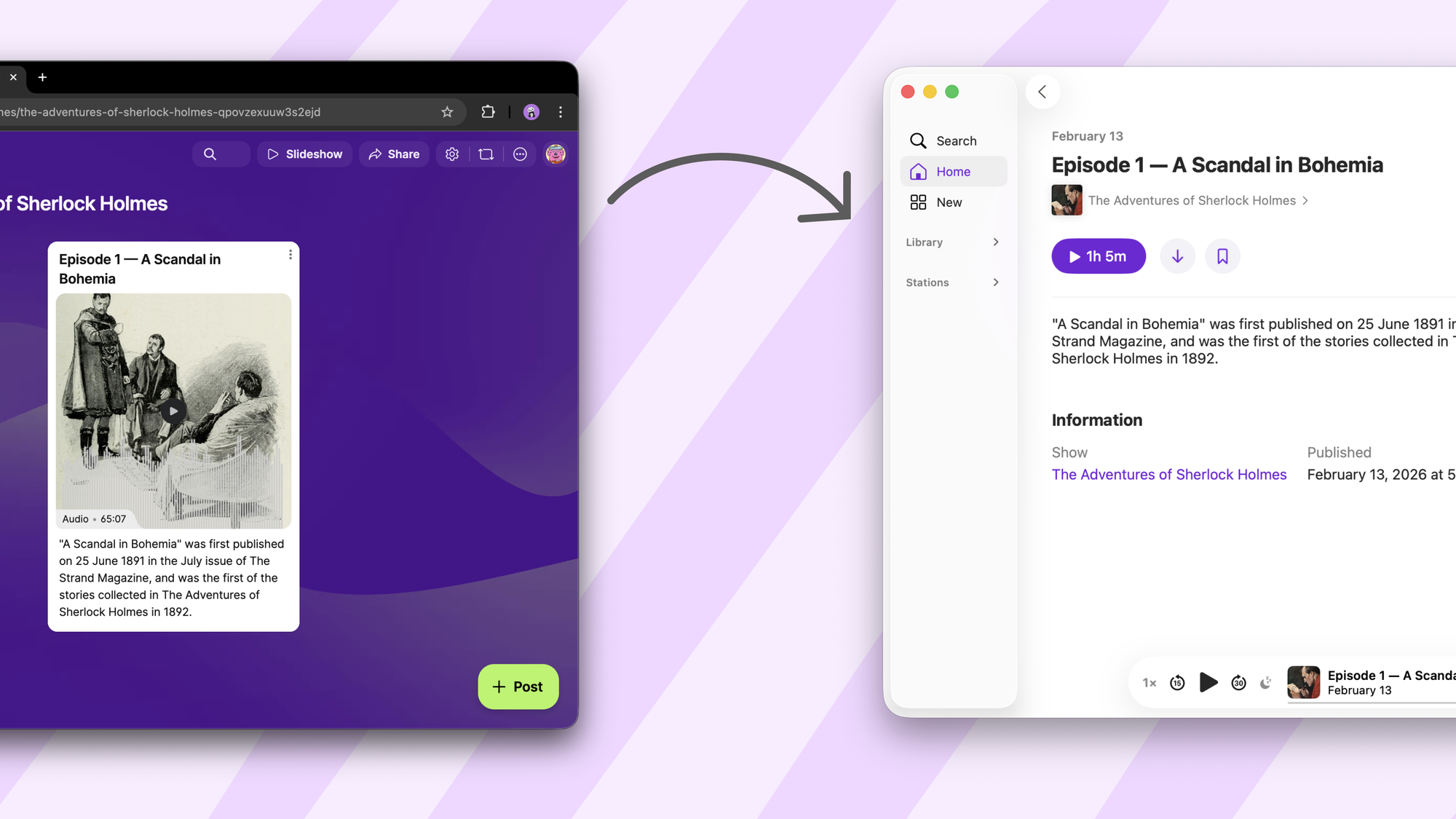
Did you know that to publish a podcast on Spotify (or Apple), you have to upload all your audio or video somewhere, put the links to those files in a document (called a feed), and paste the link to that document in Spotify?
This document follows a specific format, called RSS, that tells Spotify what the title of each episode is, what audio file is associated with it, etc.
We thought: wait, a Padlet board is already a collection of posts. Posts can have audio and video. What if we just...made a feed? The kind that, if you pasted it in Spotify, would be read as a podcast?
So we did. Your padlet can now be a podcast.
Why would I want this?
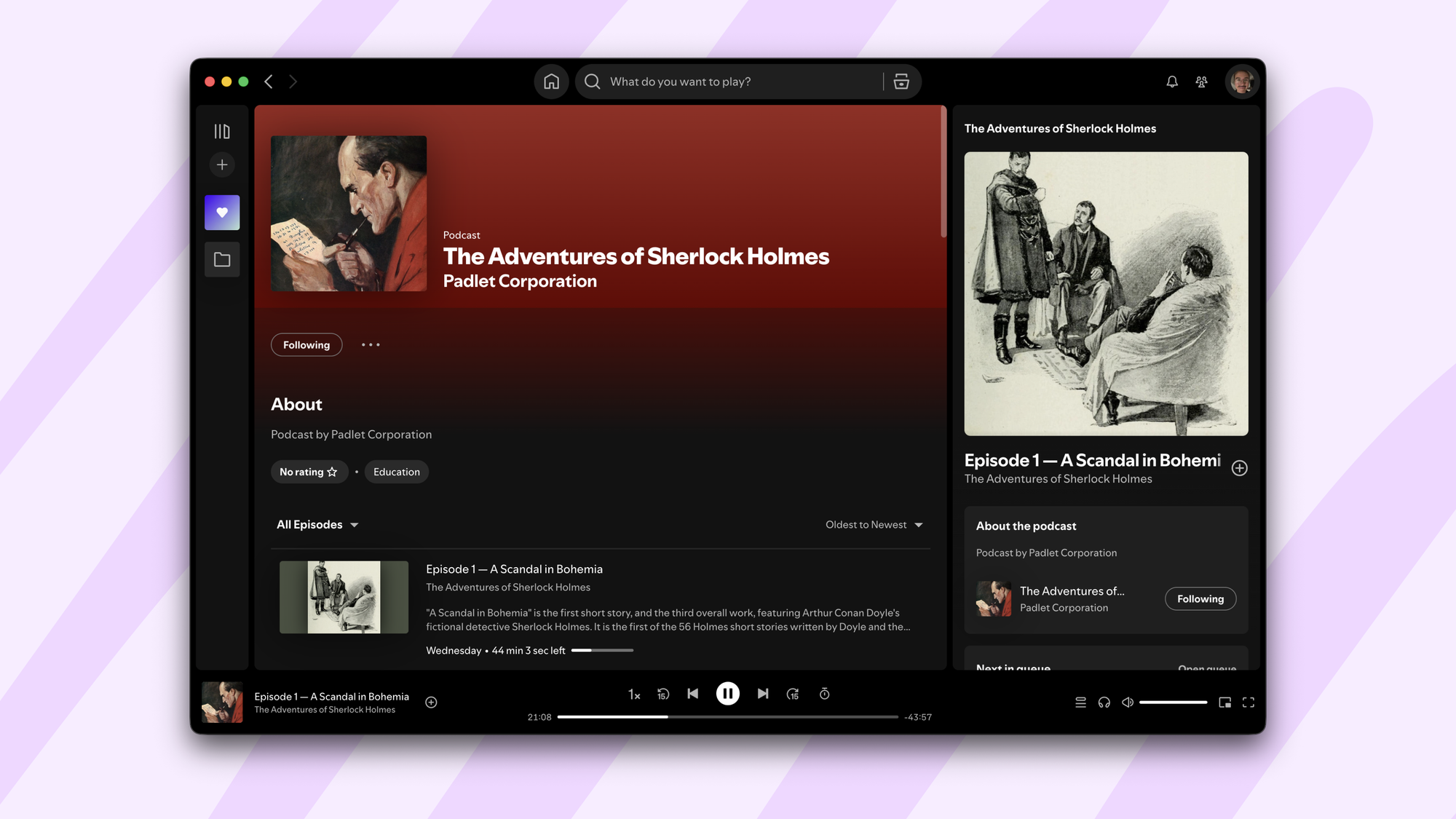
Honestly? We built this because we thought it would be fun. (We already launched a podcast: it's The Adventures of Sherlock Holmes, all 12 stories, published entirely from a Padlet board. You can listen on Spotify and Apple Podcasts.)
Once it existed, we started imagining things.
A teacher could post lecture recordings to a board, and students could subscribe in their podcast app of choice. No special app to download, no logging in, just episodes appearing alongside their other podcasts.
A family could have a private podcast. Grandma's stories. Travel updates. Voice messages that feel more permanent than texts but less formal than a phone call.
A group of friends could run an extremely amateur podcast without dealing with hosting services. Post an audio file, it's published.
Why should podcasts be this big professional thing? Sometimes you just want an RSS feed of your stuff.
How does it work?
What becomes what: The title of your post becomes the episode title. The body becomes the episode description. Any audio or video attachment becomes the episode content. The attachment's thumbnail becomes the episode artwork. The board's title and description become the podcast's title and description. The board’s background becomes the podcast cover image.
What formats work: Pretty much anything. Upload an MP3, record audio directly in Padlet, attach a video file, or use AI speech to generate audio from text. We convert everything to the right format behind the scenes, so podcast apps don't complain.
Where to find it: Open the Share menu on any board. Look for the Feeds section. Copy your podcast feed URL. Paste it into your podcast app of choice.
We've tested it with Apple Podcasts and Spotify. It should work with any app that supports RSS feeds, which is all of them, because that's what podcasts are.
Do I have to publish my podcast to listen to it?
No. You can privately add a podcast to your Apple Podcasts without having to make it public. Just open Apple Podcasts, tap New → Follow a Show by URL, paste your feed URL, and it will appear in your library like any other podcast. No approval process, no public listing, no waiting.
How does a private podcast work?
Podcast apps don't know how to log in to things. They just fetch URLs. So how do you have a private podcast?
Here's what we did: every person with access to a board gets their own unique feed URL with their access token embedded in it. Your URL only works because you have access. If you're ever removed from the board, your feed stops working. The podcast didn't become public, your window into it just closed.
Think of your feed URL like a password. It's yours. Don't share it.
Does it update automatically?
Yes. Add a new post with audio, and it appears in the feed. Your podcast app will pick it up next time it refreshes.
One caveat: Apple Podcasts doesn't check for new episodes constantly. There's some internal frequency we don't control. So if you post something and it doesn't appear immediately, give it a bit. Spotify tends to be faster.
—
Now go start that family podcast. The world has enough professionally-produced content. We want to hear your uncle's fishing stories.